![Logo_white.png]](https://support.hooksecurity.co/hs-fs/hubfs/Logo_white.png?height=48&name=Logo_white.png)
Step 1: Navigate to the Hook Security Billing Portal
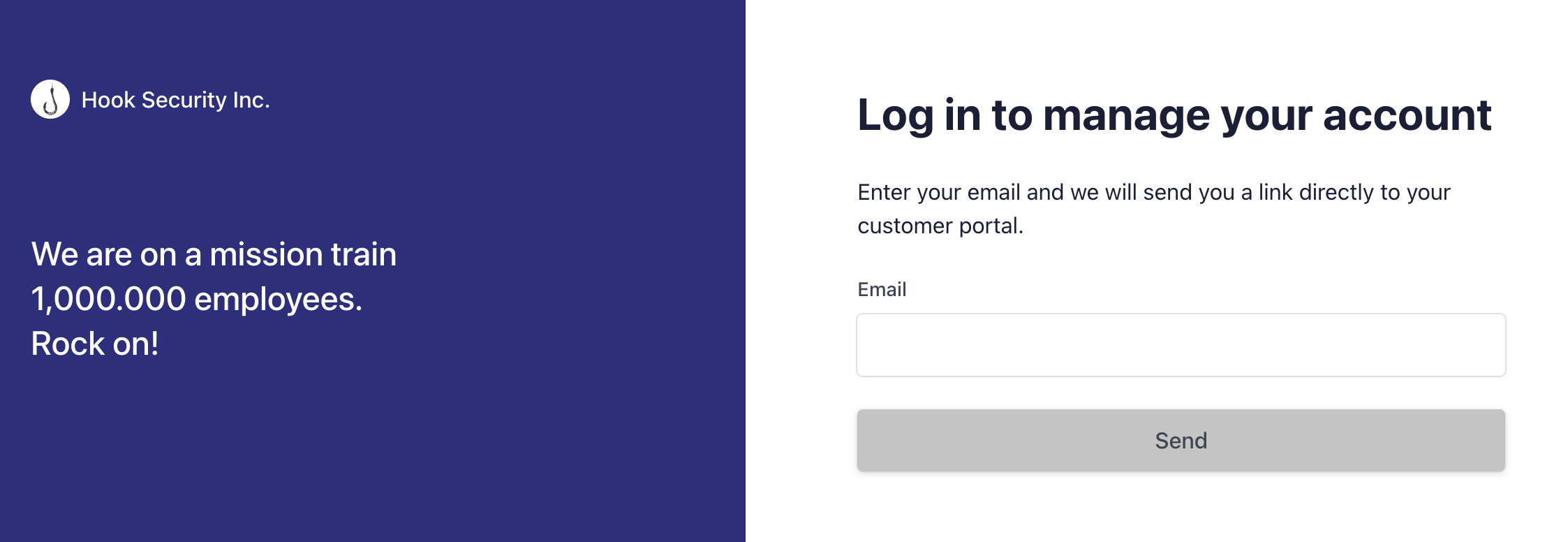
Step 2: Enter primary email address on file for billing
Please note that if you are not the primary billing address we have on file, you will not be able to access the account. You can reach out to support@hooksecurity.co to see who is the primary billing admin, if this is the case.
Step 3: The next page will ask you to enter a code. A one-time secure code will be sent to your email address.
Step 4: Explore and utilize billing portal!
Note: Only one email address can be designated as the primary billing contact. Alternate email addresses can be added to receive billing notifications, such as invoices, but alternative email addresses will not have access to update billing information or retrieve invoices/receipts from the Stripe portal.